New toy: Installing openSUSE Tumbleweed on the HP Z2 Mini
Last week I introduced you to my new toy at home: an AI focused mini workstation from HP. It arrived with Windows pre-installed, but of course I also wanted to have Linux on the box.
Documentation mentions that I have to disable secure boot and make a few more changes before installing Linux. I did all the suggested BIOS changes before installing Linux.
The data sheet mentions Ubuntu 24.04 as the supported Linux distribution. I have tried that, but I could not get the installer to run. Along the way I realized that the USB boot support is very picky on this box. Using my old USB sticks, which work perfectly in my laptop and old desktop, does not work at all. Also, changing the USB stick requires you to turn the machine off and on, a simple reboot is not enough. Finally I found a USB-C stick, and that almost worked with Ubuntu 24.04. It booted, but the installer crashed.
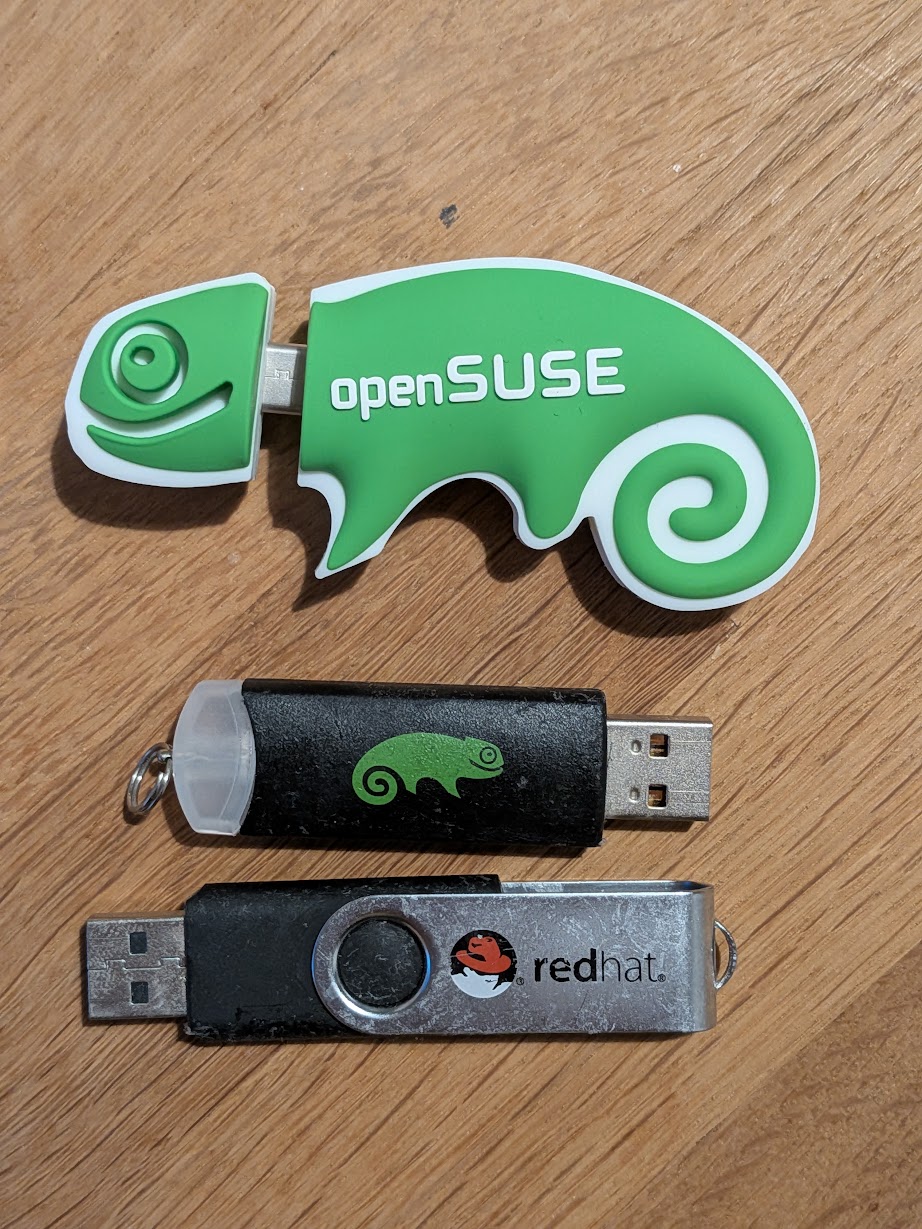
The USB sticks I tried
As I have been a S.u.S.E. / openSUSE user for the past 30 years, I did not mind this failure much. I downloaded the openSUSE Tumbleweed installer, and it worked like a charm. Best of all, unlike openSUSE Leap 16.0, Tumbleweed still has the good old YaST installer I used for decades. Installation was quick, easy and rock solid.
Surprise arrived when I rebooted the machine. Windows was not available in the boot menu. As it turned out, Tumbleweed used a new flavor of GRUB2 by default: grub2-bls, but that does not seem to boot other operating systems. There is no supported way to switch back to grub2-efi, so I reistalled openSUSE. Luckily it’s an easy job, and I did not have any data yet on the machine. So, it was just a few mouse clicks.
openSUSE is my daily driver, so I did not spend much time exploring the system. It seems to work just fine. Installing a few games and checking the in hardware AI support comes once I finished installing all operating systems on the machine. Next to Windows I plan to install openSUSE, Fedora and Ubuntu on the Linux side, and FreeBSD as well.
This blog is part of a longer series about my adventures with my new machine and AI. You can reach me to discuss this blog on one of the contacts listed in the upper right corner. You can read the rest of the blogs under the toy tag.