New toy: Installing FreeBSD on the HP Z2 Mini
Finally, I also installed FreeBSD on my new AI focused mini workstation from HP. I even managed to install GNOME on the machine with minimal effort. However, I also ran into many problems.
So far it’s a mixed experience. Installation went smoothly, FreeBSD 15.0 was up and running in no time. However, FreeBSD is not found by any of the Linux boot managers I use (different flavors of GRUB), and it’s not in the EFI boot menu either. The only way I could boot FreeBSD was bringing up the EFI boot menu, choosing boot from file and loading EFI/freebsd/loader.efi
Once FreeBSD boots on the machine, it is lightning fast. One of the fastest machines I have ever used, in the size of a Lord of the rings book. Still it stays silent while compiling software from FreeBSD ports.
I do not plan to use this box as a FreeBSD desktop, but of course I was curious how much FreeBSD desktop support evolved since I last tried it. I found a nice article on the FreeBSD Foundation website, describing how to install a GUI on FreeBSD using the new desktop-installer tool. It asked tons of questions, did some magic, and after a while I had GNOME up and running.
The good:
- no manual package installation or configuration editing necessary
- the exact same GNOME look and feel as on all Linux distributions I tested (except for Ubuntu)
- sound works, using the built in speaker
The bad:
- no accelerated graphics at all
- 3D games start, play music, but no graphics
- playing YouTube in Firefox works, both graphics and sound, but low quality
- the screensaver starts automatigically, but cannot be unlocked (workaround: disable screensaver)
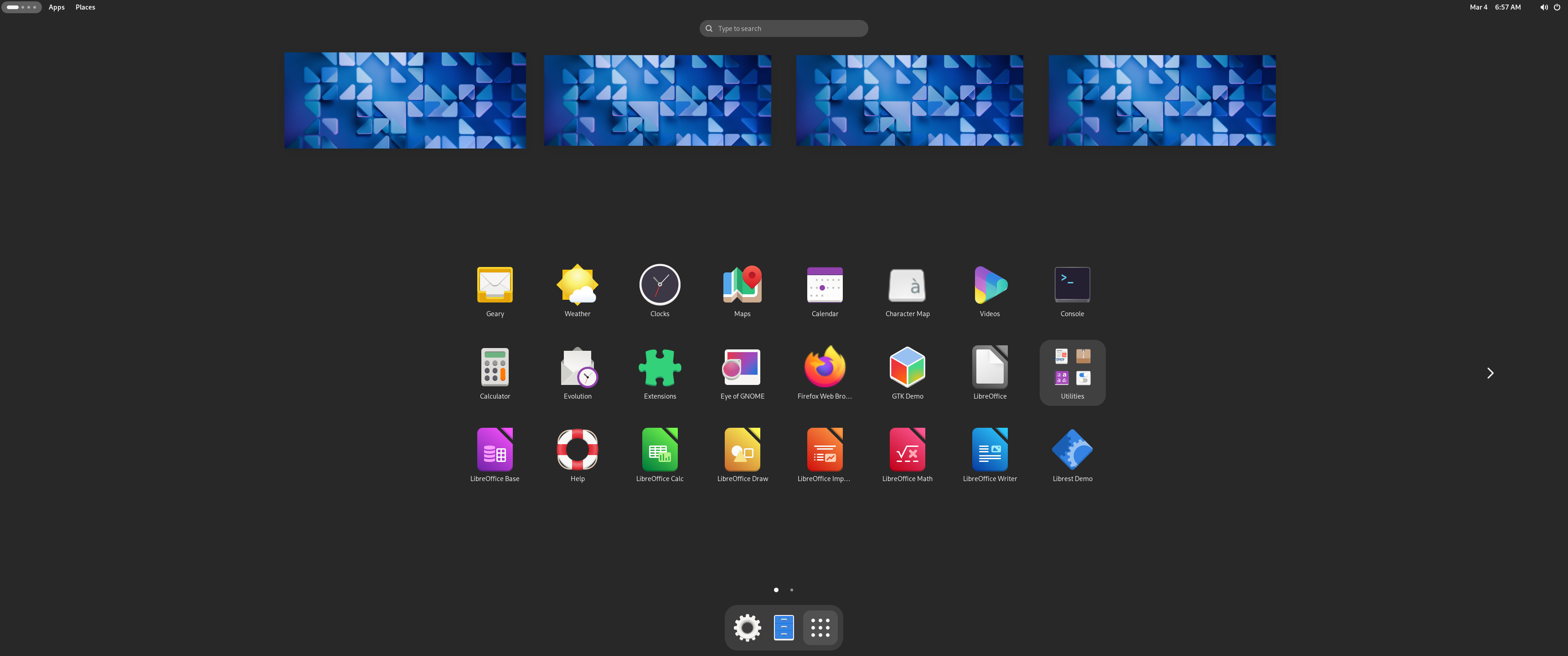
The same boring GNOME as everywhere else :-)
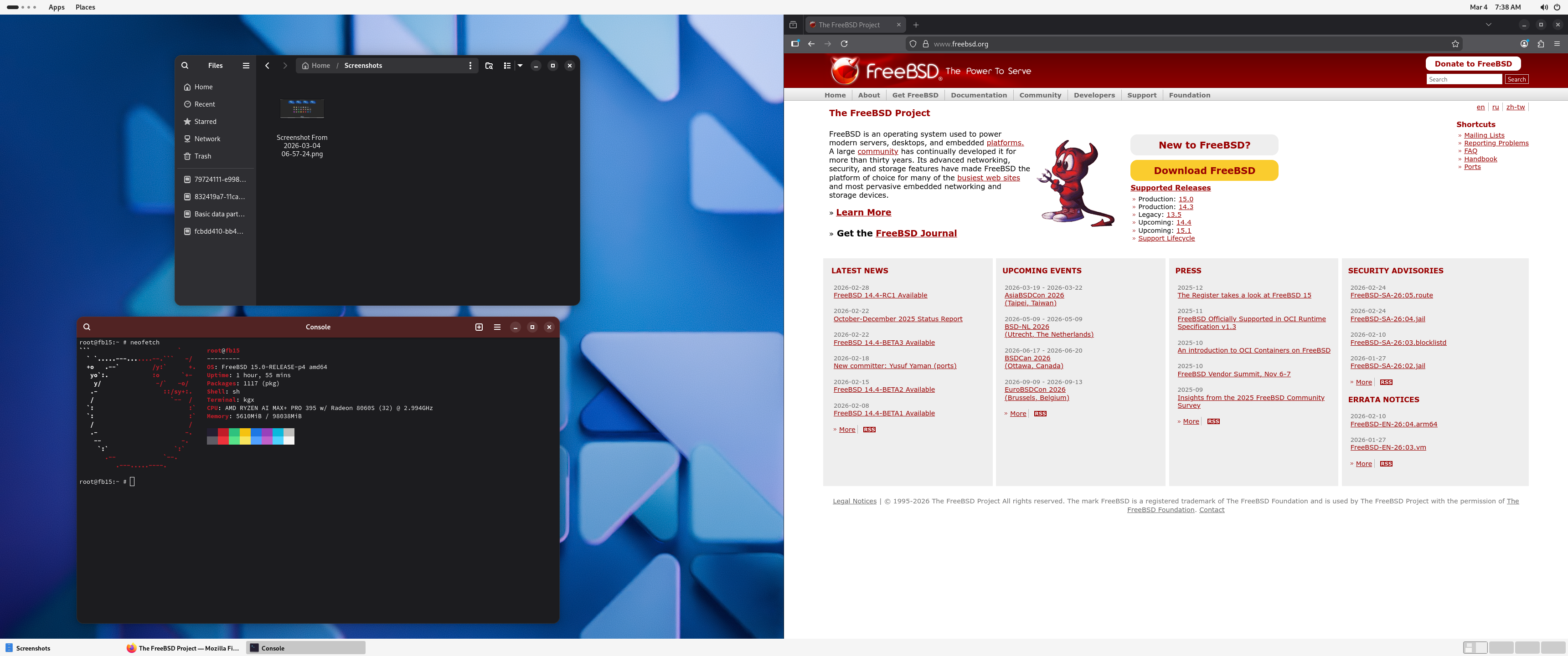
The same boring GNOME as everywhere else :-)
I might try to debug some of these issues, but most likely I’ll just reinstall FreeBSD, and keep using it in text-only mode. As far as I could see, there is no in hardware AI acceleration available on FreeBSD. However, with 32 CPU cores, a fast SSD and 128 GB of RAM, this is an ideal box for running complex test environments in FreeBSD jails. I love Bastille and plan to install it once I cleaned up the machine after the GNOME experiment.
This blog is part of a longer series about my adventures with my new machine and AI. You can reach me to discuss this blog on one of the contacts listed in the upper right corner. You can read the rest of the blogs under the toy tag.