New toy in the house for AI, gaming, Linux, Windows and FreeBSD
There is a new toy in the house. It is a miniature workstation from HP, built around AMD’s Ryzen AI Max+ PRO 395 chip. If you are interested in the specifications and other details, check the HP product page at https://www.hp.com/us-en/workstations/z2-mini-a.html. In the long run, this box will serve many purposes:
- learning AI, but running as much as possible locally instead of utilizing cloud services
- learning Kubernetes by building everything from scratch on multiple virtual machines
- home server: running complex test environments on a single box (128 GB of RAM should be enough in most cases :-) )
- photo editing using Capture One Pro
- occasional gaming :-)
For now, I have finished unboxing and taken the first steps with Windows. It worked, though I made a mistake during setup and had to reinstall. I do not mind, since I do not like using pre-installed operating systems anyway. At least I know the machine works.
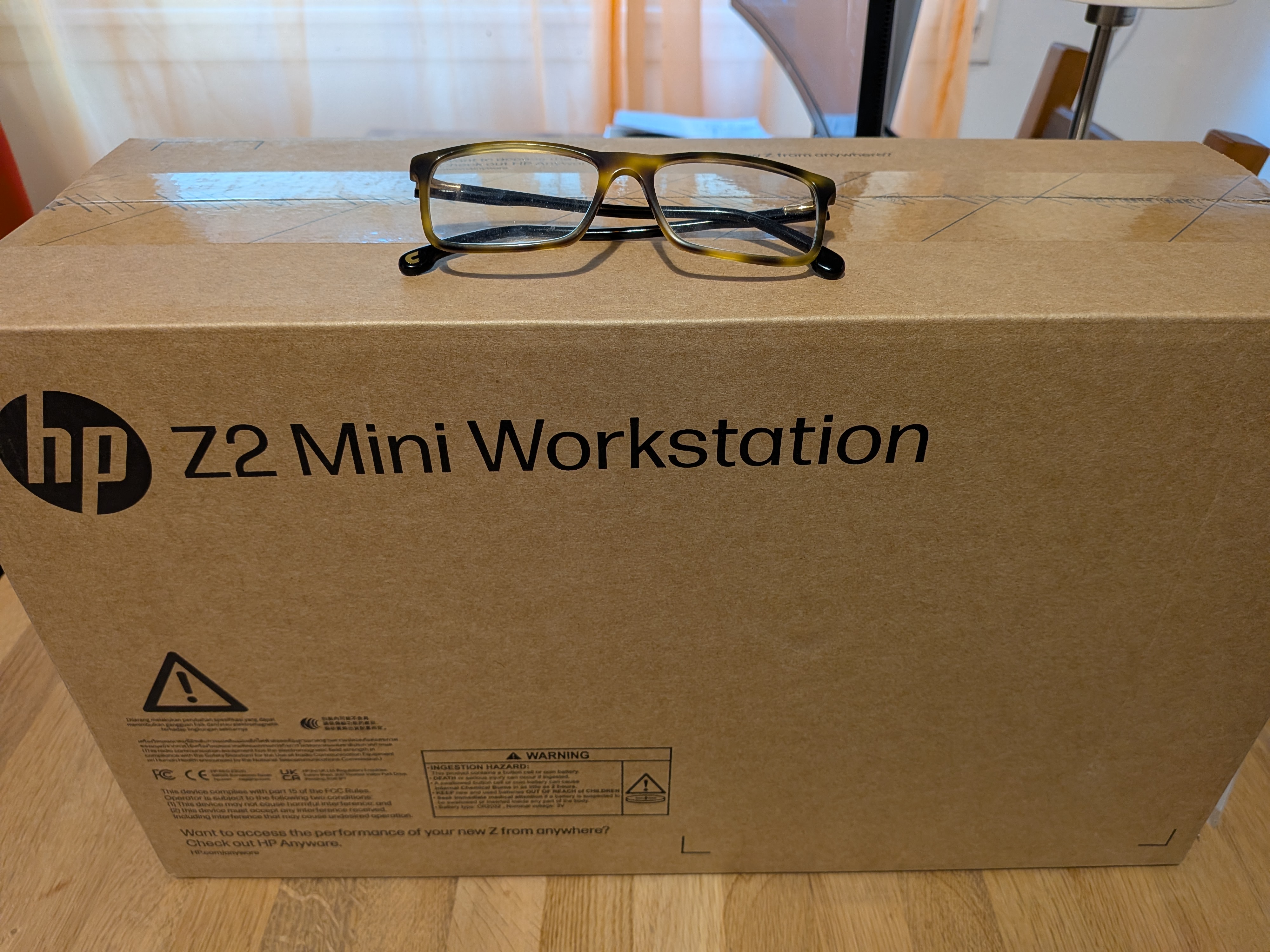
The whole packaging is smaller than my previous desktop computer
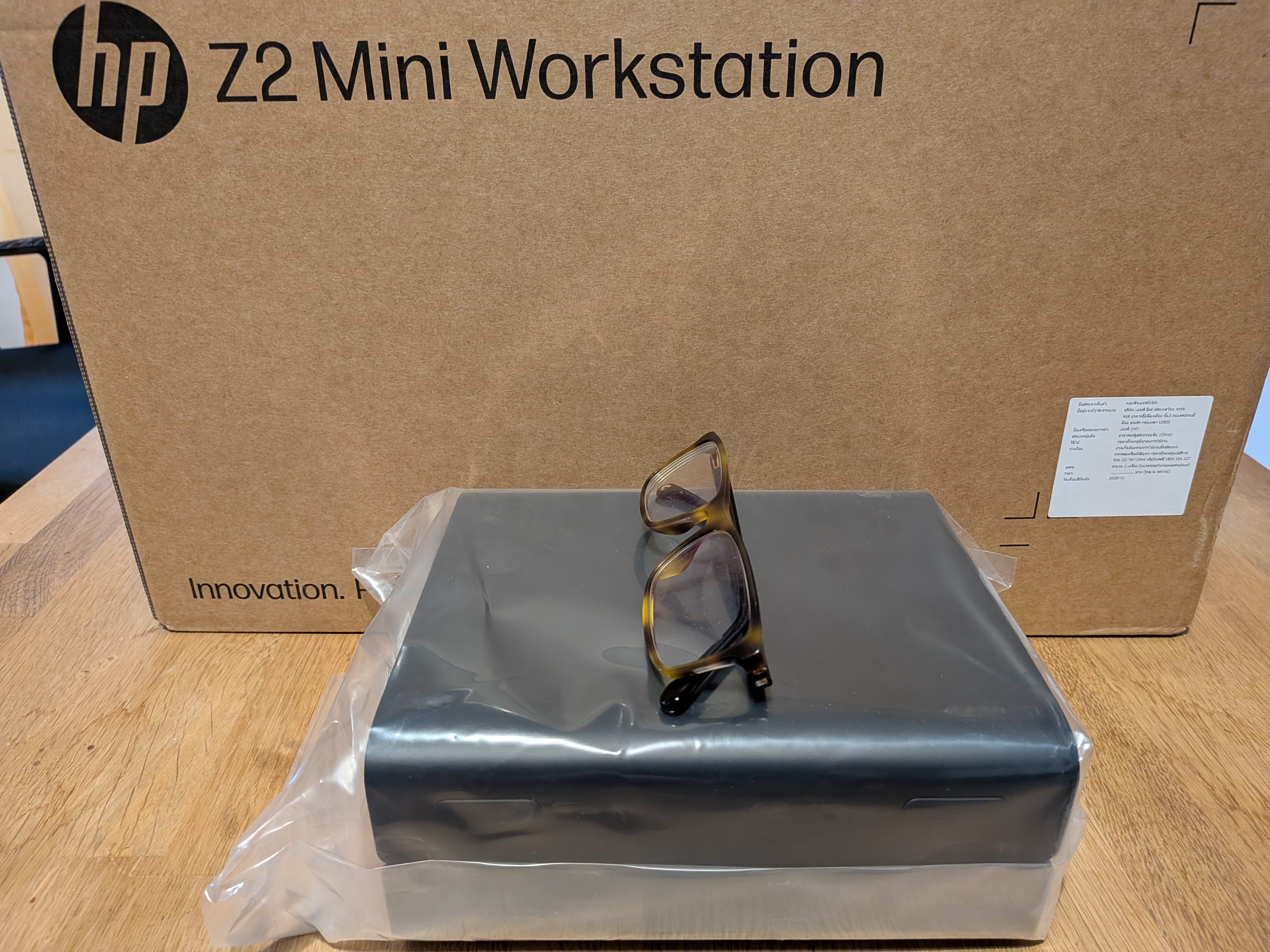
The computer itself is barely larger than a book
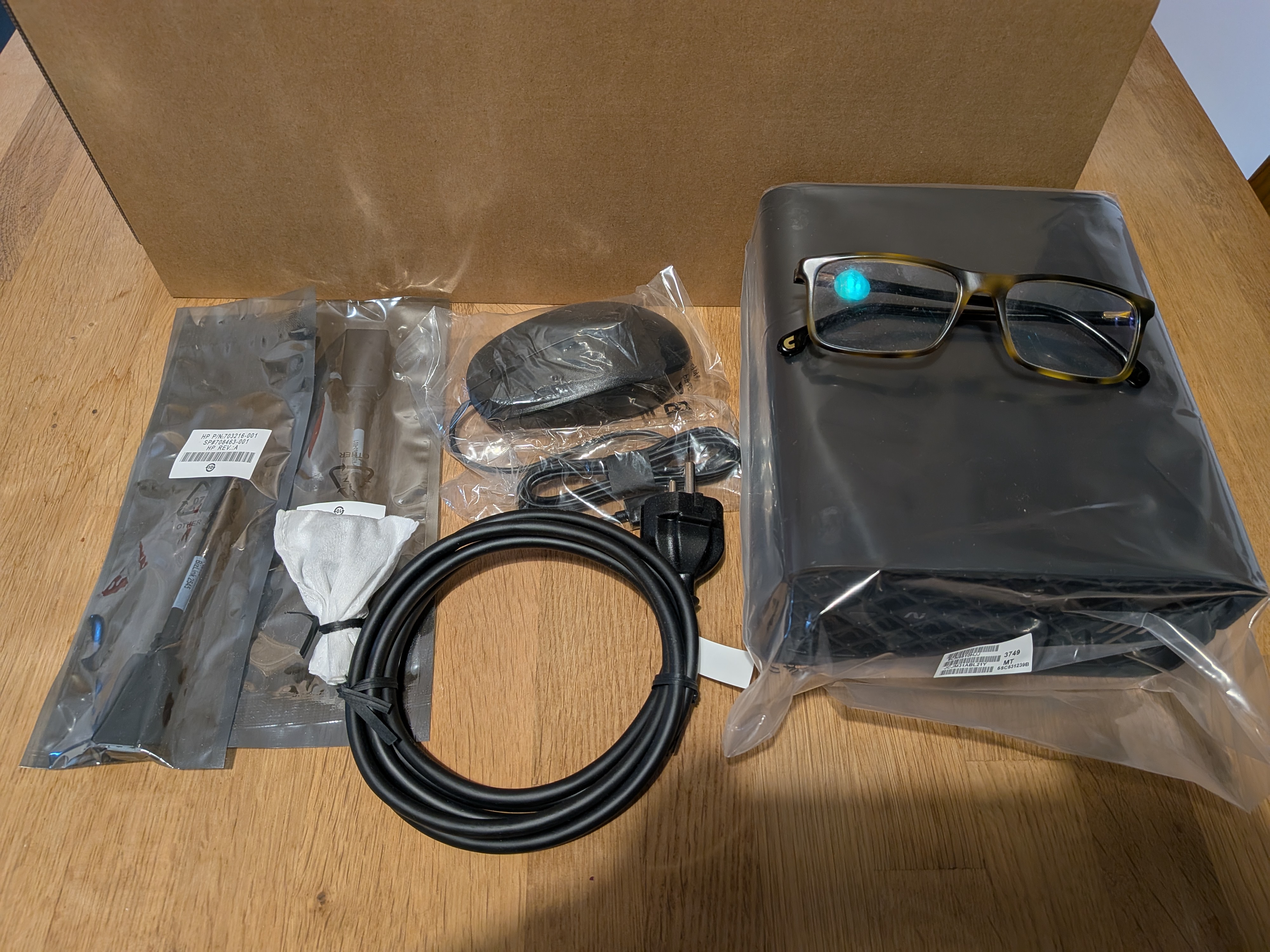
Keyboard, mouse, display port converter all in the box
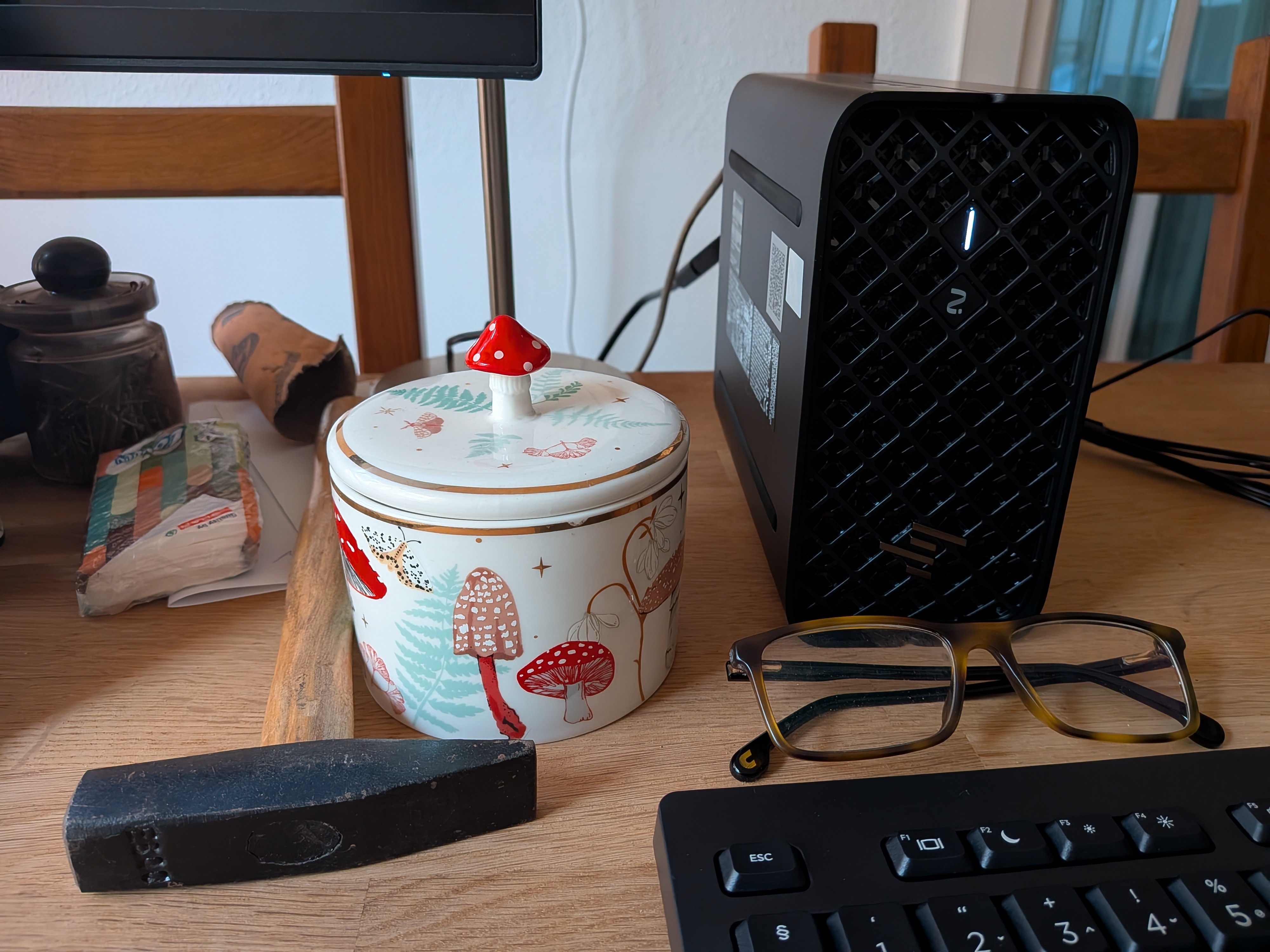
On the chaos of my desk :-)
Right now I am hesitant to migrate any production applications or data to the new box. I have already clicked “use the whole disk” instead of creating a partition a few times, so I want to finalize the partitioning before using the box for anything beyond hardware testing. Better safe than sorry :-)
I plan to install a couple of Linux distributions. I mainly use openSUSE on the desktop, but I found instructions for Fedora to accelerate AI on this AMD chip. So, I’ll most likely install both. And, of course, I also plan to install FreeBSD 15 on the machine and see how it works both as a server and as a desktop.
I plan to post updates about my experiences in the coming weeks.