My new toy: FreeBSD on the HP Z2 mini revisited
Last week, I wrote about my initial FreeBSD experiences on my new toy, an AI workstation from HP. FreeBSD runs lightning fast on it, but the desktop was somewhat problematic. Well, I made lots of improvements this week!
A bit of debugging
While there are still some rough edges, there have been tons of improvements since last week. I do not have plans to use FreeBSD on the desktop in the long term, but still, I just could not believe that the FreeBSD GUI is this problematic on this device. I did some experimentation though and it helped a lot… :-)
The initial problem I realized while browsing the output of dmesg was that desktop-installer enabled the wrong kernel modules repository for me. The line leading there was this:
KLD amdgpu.ko: depends on kernel - not available or version mismatch
The next problem occurred when I fixed this problem: there was a kernel panic on boot, when amdgpu.ko was loaded.
I did a fresh FreeBSD install and instead of using the latest packages, I decided to go with the quarterly packages. This way, the desktop installer configured the right kmod repo – however, loading amdgpu.ko still caused a kernel panic. Another experiment I made was using the ATI driver instead of AMD. The installer says that AMD is for modern cards, and ATI is for older ones. Well, as it turned out, even if the chip is barely half a year old, it counts as “old”… :-)
I am still not convinced that proper hardware-based acceleration works: both X.org logs and the GNOME “About” page showed software rendering. However, I had no problem with graphics performance: TuxRacer worked perfectly well… :-) And the GNOME desktop also worked nicely and as stable, including video playback. The only pain point when using GNOME was that screen locking still did not work.
KDE to the rescue
Even if it’s just software rendering, the graphics problem seems to be resolved. However, the screen locking problem still bothered me, as I’m an IT security guy with a healthy dose of paranoia (which means that I lock my screen even when I’m home alone… :-)).
So even if I haven’t tried KDE for the past 5+ years, I gave it a try now. After so many years on XFCE and GNOME, the interface looks a bit weird. However, everything I tried on it seems to work just fine, including screen locking.
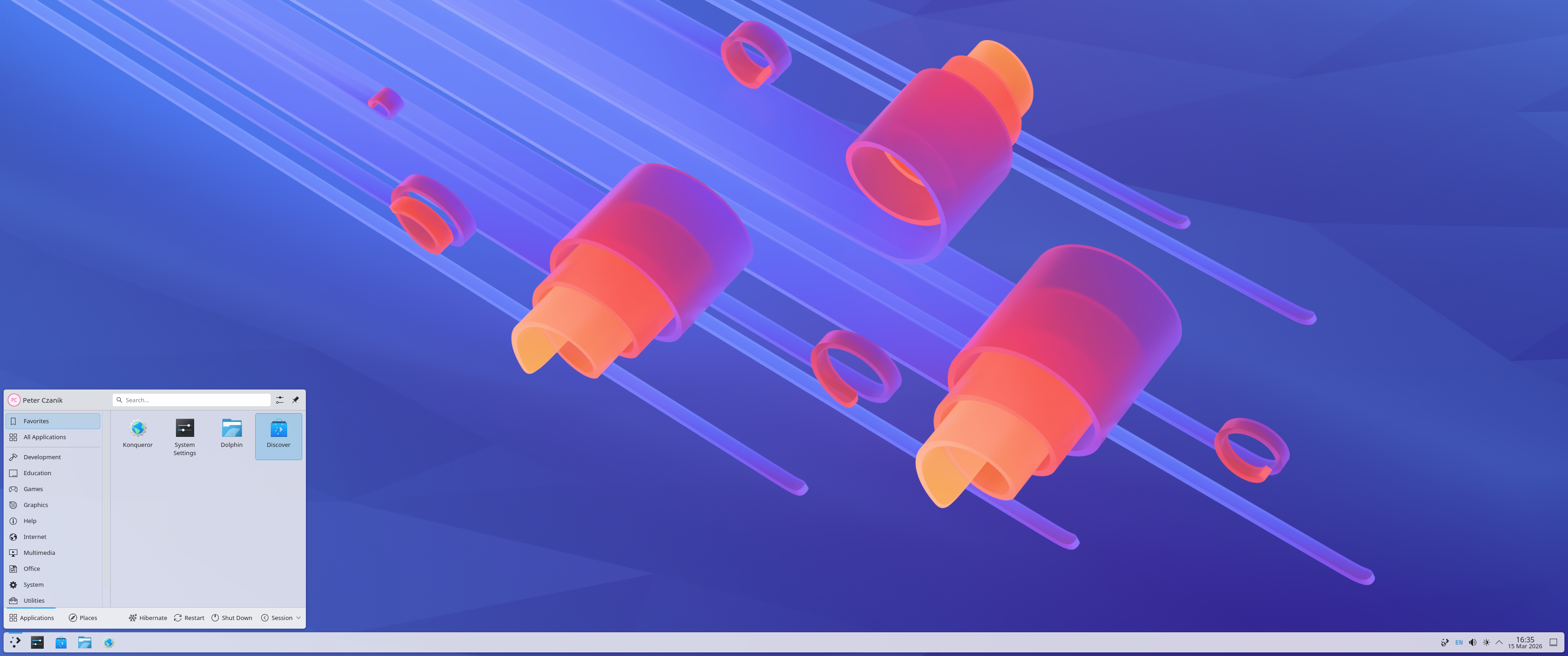
KDE on FreeBSD
This blog is part of a longer series about my adventures with my new machine and AI. You can reach me to discuss this blog on one of the contacts listed in the upper right corner. You can read the rest of the blogs under the toy tag.