My new toy: AI first steps with the HP Z2 Mini
In the past few weeks, I installed five different operating systems on my latest toy: an AI workstation from HP. I love playing with OSes, but my main goal with the new machine is to learn various aspects of AI. I took my first steps in this adventure on Windows.
Of course, you might ask: why on Windows? Well, it’s easy: because it’s easy… :-) There is nothing to install or configure there, as Windows has multiple built-in apps that support AI and can utilize the NPU (hardware-accelerated AI) support of the AMD Ryzen 395 chip. The Windows Task Manager application already has a graph for NPU utilization and I found good use of it already: the Task Manager was open on the NPU tab while I conducted my experiments, allowing me to verify that it was indeed in use, as I ran a couple of generative AI tasks.
I find it somewhat surprising, but Paint now also comes with integrated AI support. Of course, you must pay for image generation but generating simple graphics (or “stickers”, as they are called in Paint) is free. If the prompt field is empty, its prompt text suggests “a cat wearing sunglasses”, so that’s what I generated. It has no practical use for me, but looks fun regardless… :-) You can see an example in the first figure.
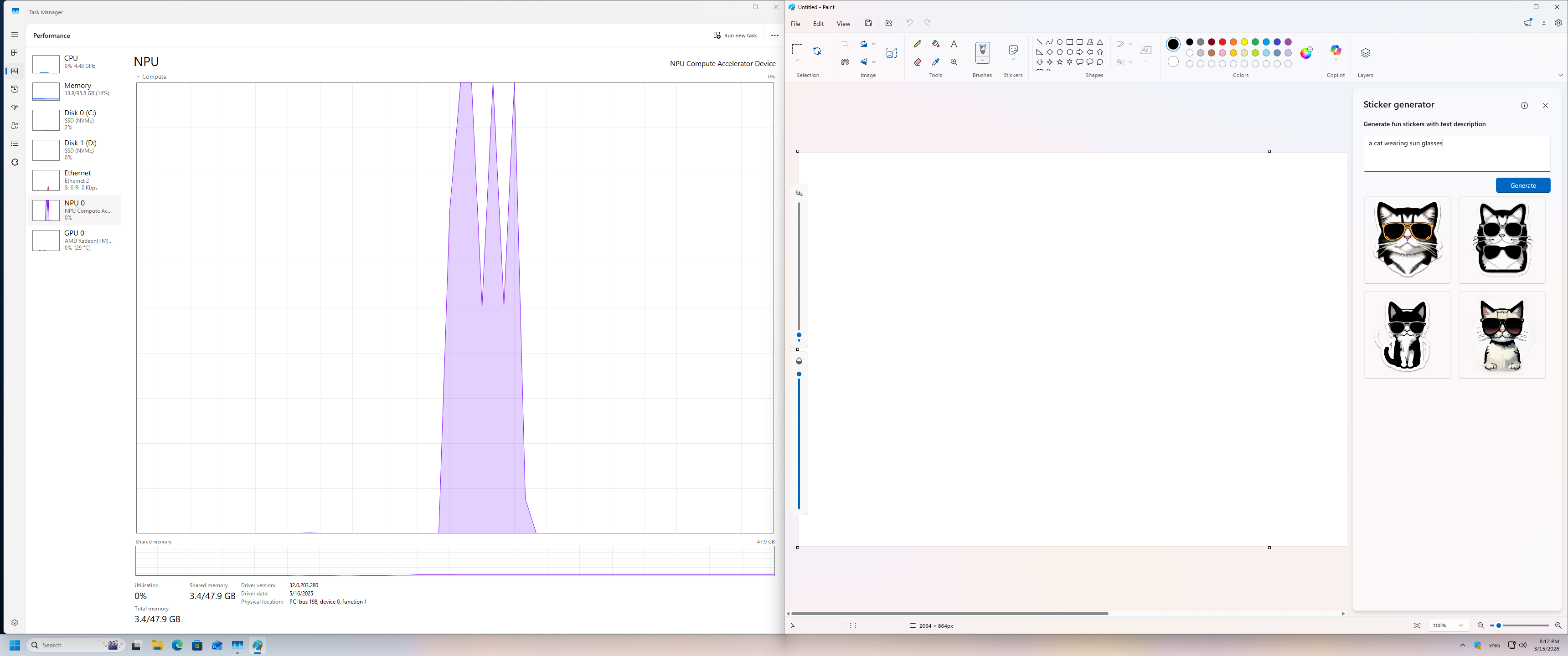
Windows Paint with AI
It’s only slightly crazier that the simplest Windows app, Notepad, now also has AI features. I asked Notepad to write me a three-paragraph-long blog about writing a blog with AI in a boring, formal style. It completed the task successfully: the result is pretty boring and full of bullshit. Here it is:
The integration of artificial intelligence into the realm of content creation, particularly in the sphere of blog writing, presents a multitude of advantages that merit serious consideration. Firstly, AI-driven tools offer an unprecedented level of efficiency, allowing content creators to produce substantial volumes of text without the need for exhaustive manual input. This technological boon is particularly beneficial for those with time constraints or heavy workloads, as it liberates them from the mundane task of typing and editing.
Moreover, the precision and consistency of AI in language generation cannot be understated. By leveraging advanced algorithms, AI systems can maintain a uniform tone and style throughout a piece, which is a common challenge for human writers. This consistency ensures that the content is cohesive and that the voice of the piece remains unaltered, thereby enhancing the overall reading experience.
Lastly, the ability of AI to learn from vast datasets and adapt to various writing styles is a significant asset. It empowers writers to explore new topics and styles with confidence, knowing that the AI can provide a solid foundation upon which to build. This adaptability not only streamlines the writing process but also encourages creativity and innovation in content creation.
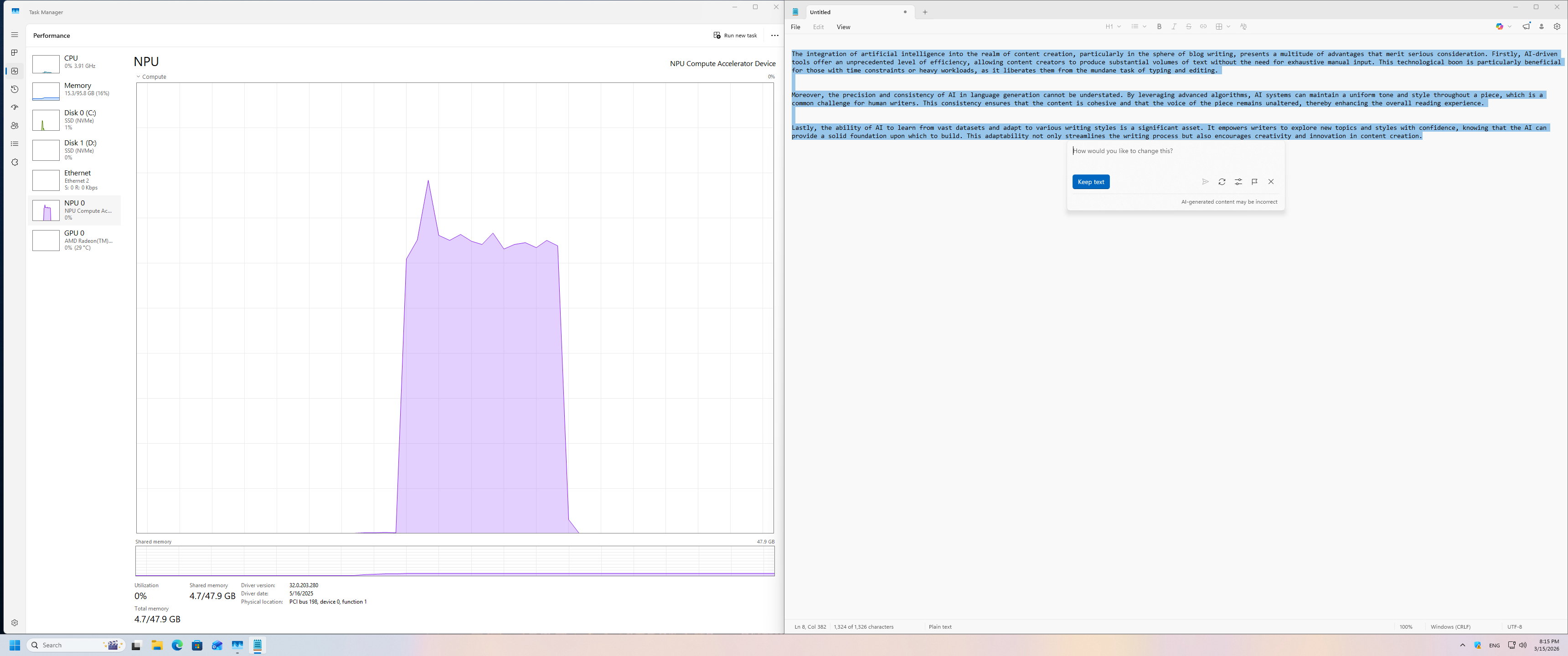
Windows Notepad with AI
I also wanted to try a controversial Windows feature: Recall. Well, it does not work. When I started it, I got a nice error message stating that it needs Secure Boot. Linux requires it to be turned off, so I cannot test it now. But I must admit that I do not mind that… :-)
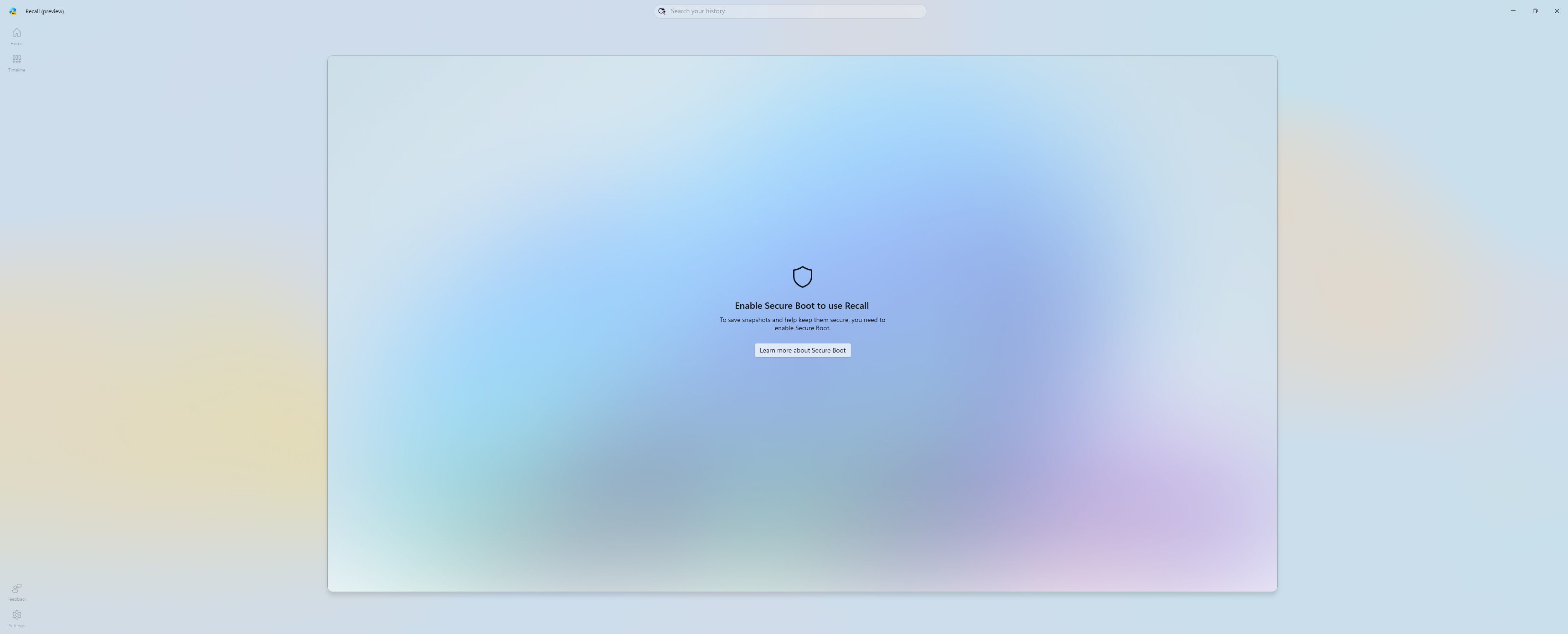
Windows Recall needs Secure Boot
If everything goes well, I’ll make my first steps next week to enable hardware-accelerated AI under Linux.
This blog is part of a longer series about my adventures with my new machine and AI. You can reach me to discuss this blog on one of the contacts listed in the upper right corner. You can read the rest of the blogs under the toy tag.